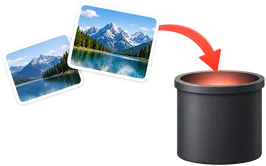
Move your entire library to Trash
Delete all your Google Photos in one run. Items stay in Trash for 30 days, so there is a safety net.
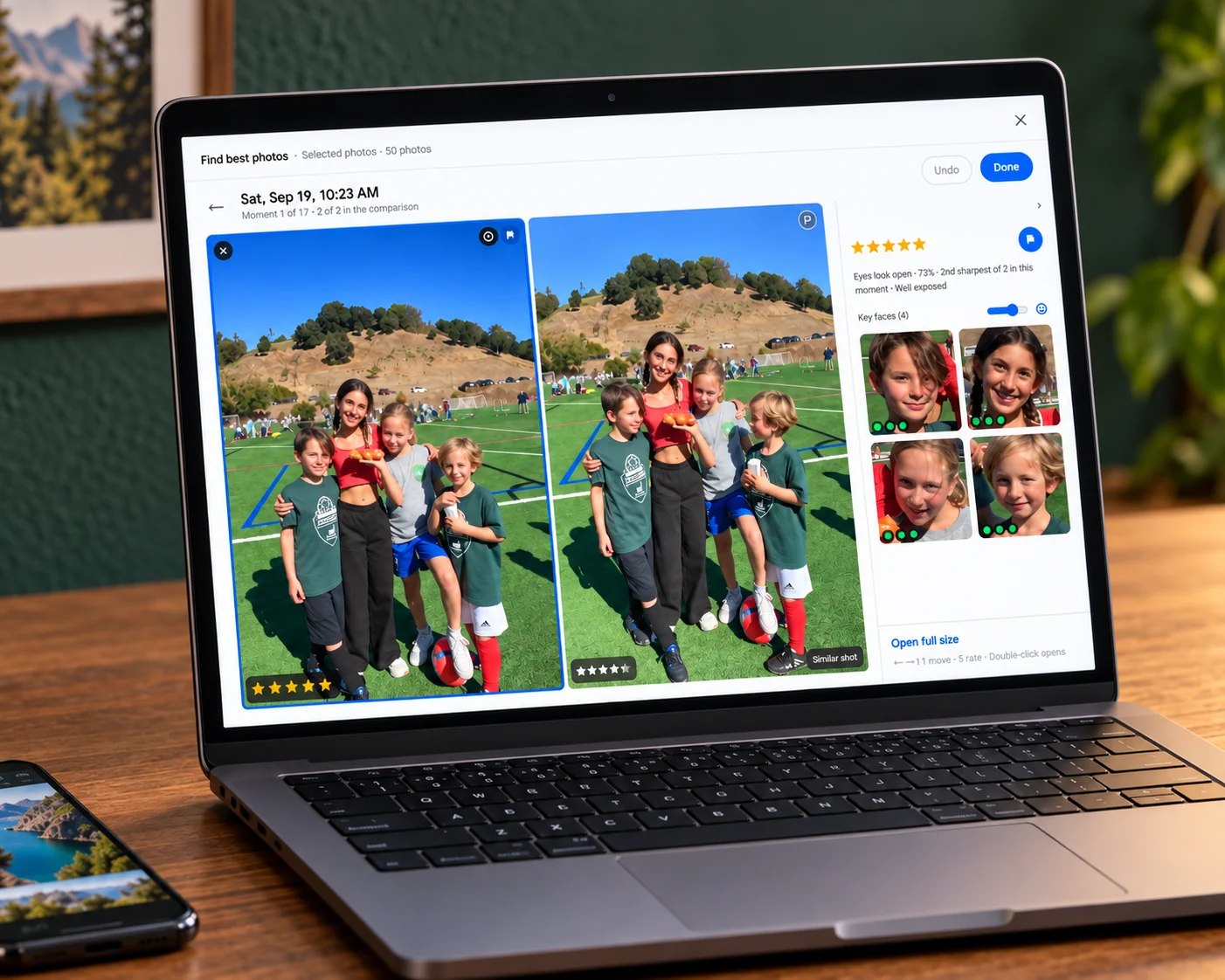
On-device AI narrows the pile to a shortlist of keepers in minutes. Your eye makes the final call.








 Featured in
“Your tool is the missing piece that Google should have created years ago - I'm already a fan, just edited a batch of photos from last night while I sipped coffee and checked email” ~ Eric Pierce

On-device AI reviews the whole album and does the heavy pass - grouping similar shots, rating sharpness and expressions, getting you most of the way to your keepers in minutes. The final cut is yours.

Enhance, filter, crop, rotate, caption or preset the whole selection in one pass inside Google Photos.

Save, download full-quality copies, or clear what you no longer need. All inside Google Photos.
No external server upload. Your photos stay on your device and inside Google Photos for peace of mind.

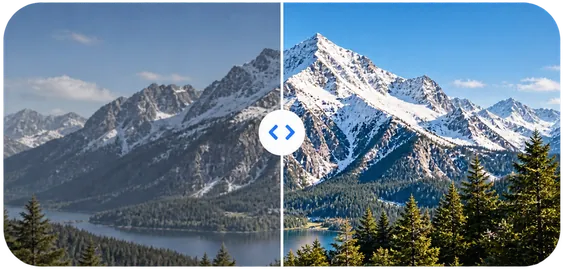








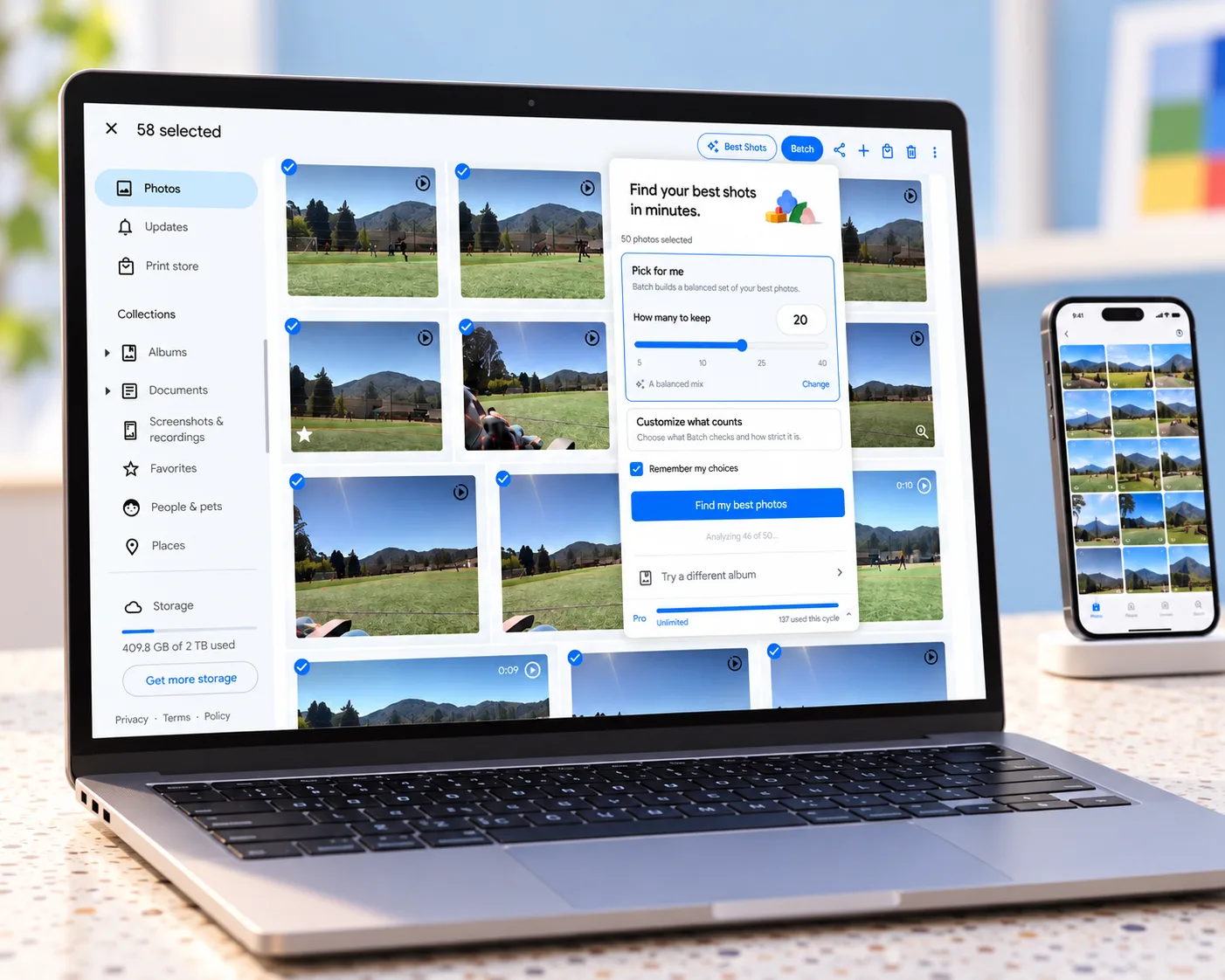
Bulk Edit Google Photos: Enhance, Delete, Caption & Find Your Best, which I'll call Batch below, handles the repetitive work across a whole selection inside Google Photos.
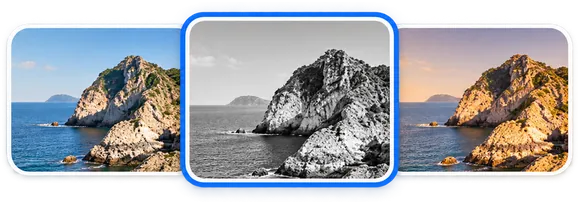
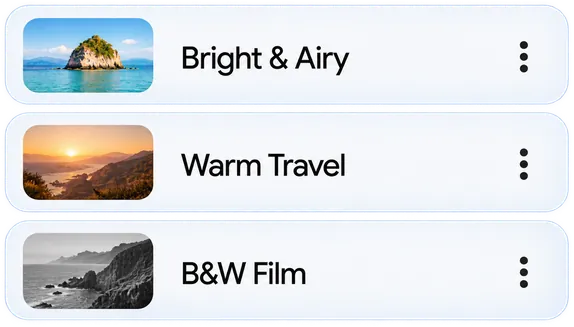
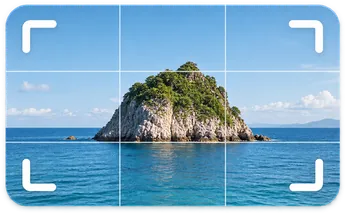
Enhance your selection, apply a filter, or get every shot into the right shape.
Copy edits across your selection or save them as a Custom Preset for your next album.
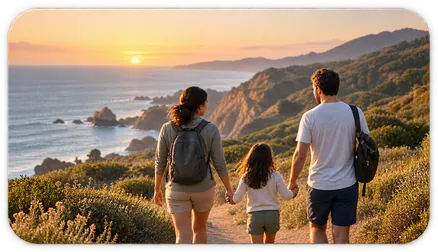
Apply the same searchable description across a whole event, so the group is easy to find later.
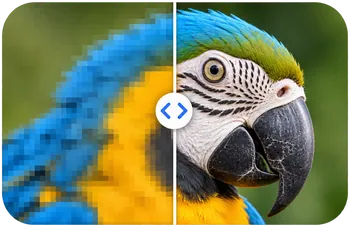
Create upscaled copies at 2× or 4×, or add your logo or text as a watermark across a batch.
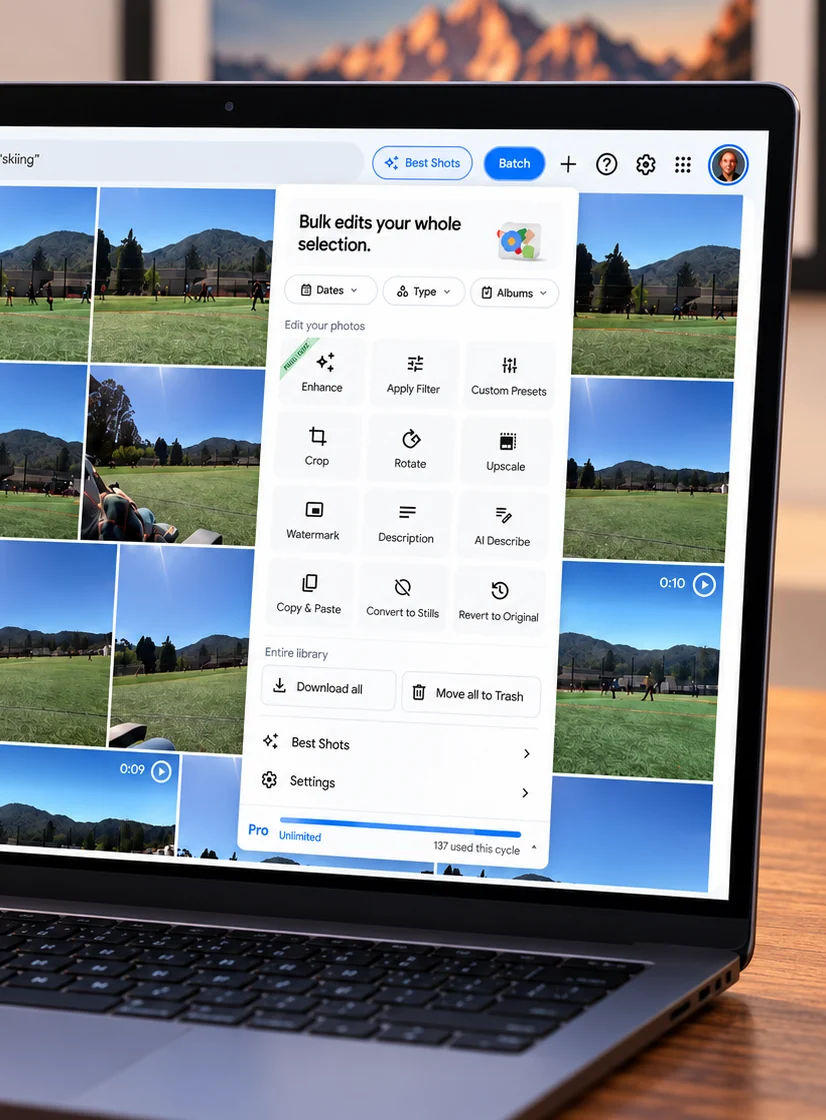
Powerful batch actions for Google Photos.
Save time, space, and keep what matters.
Delete all your Google Photos in one run. Items stay in Trash for 30 days, so there is a safety net.
Get full-quality copies of your photos and videos to your computer in one run, no babysitting an export.
Keep the still image, remove the motion data in bulk, and reclaim Google Photos storage without losing the picture.
Narrow to last summer, a single trip, or one album before you run anything, so a bulk action only touches what you meant. Batch never empties Trash for you.
A single edit is easy. Two hundred is the problem. Here is how Batch fits into different kinds of photo work.
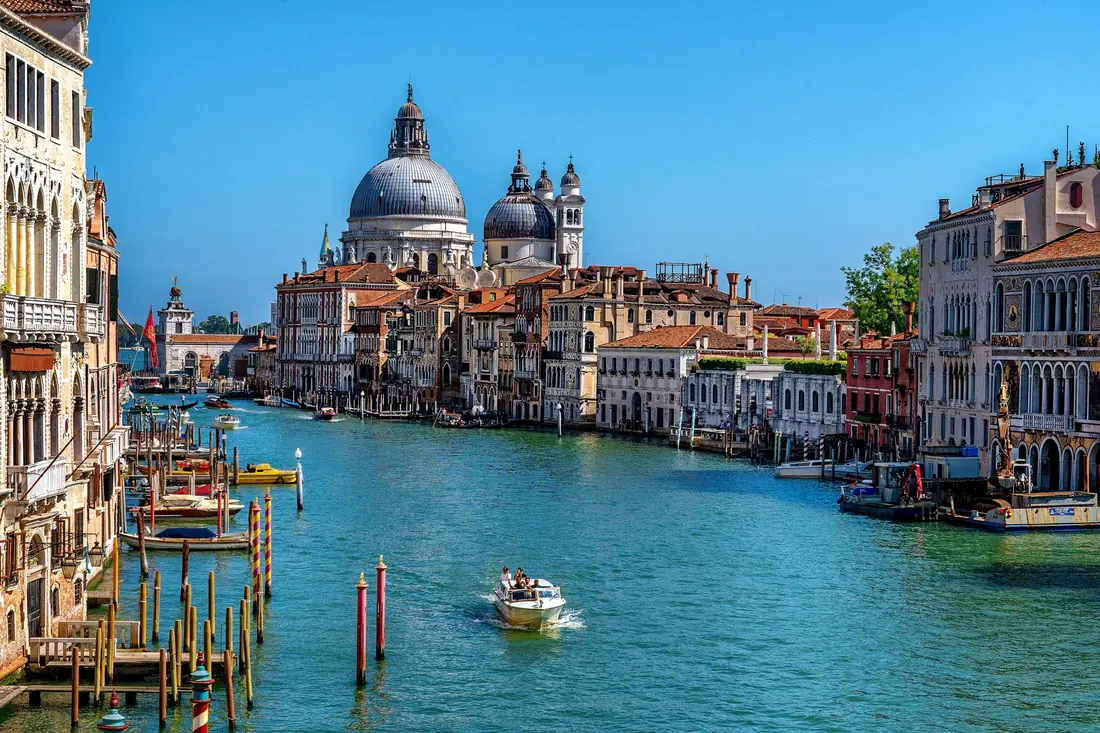 Travelers
 Family trips
 Weddings
 Sports
 Real estate
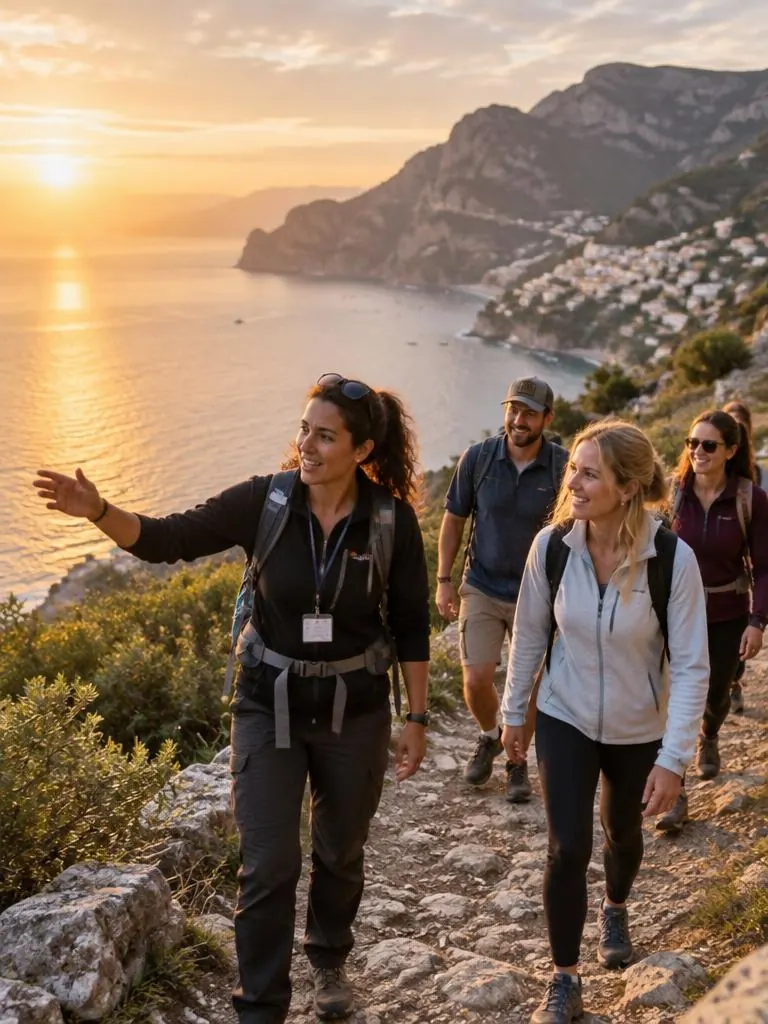 Tour operators
 Weekend photographers
 Switching platforms
 Editing
Select once, then enhance, filter, crop, rotate, caption, or preset the whole set.
Read the guide Storage
Keep the key image, remove the motion, and know exactly what happens to the original.
Read the guide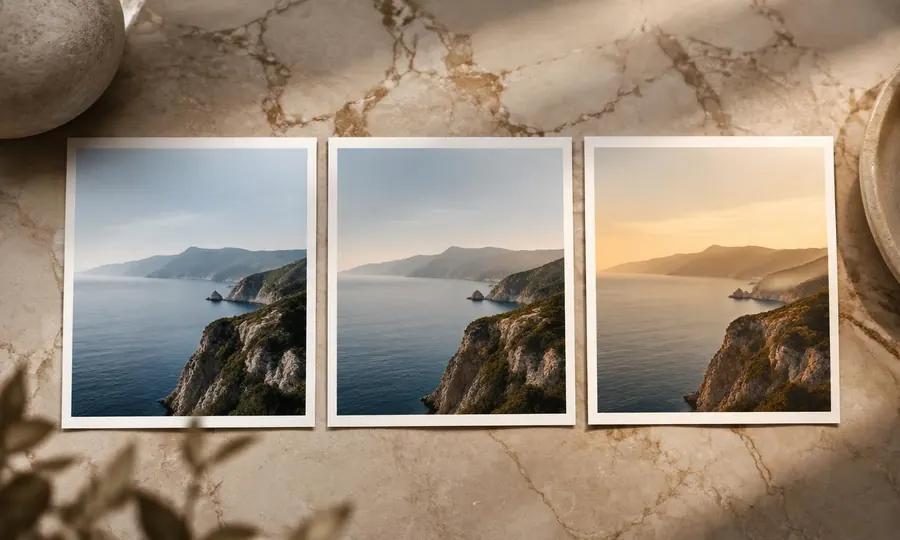 Custom presets
Save one tuned photo as a named look, then apply it across the right group.
Read the guide Library cleanup
Seven ways to free up Google Photos storage, including the one most guides skip.
Read the guide Library actions
Compare the fast Batch method with manual Shift+click and protect the copies you want to keep.
Read the guide Backups
Full-quality copies of your entire library, downloaded zip by zip.
Read the guideEnhanceApply Google's Enhance adjustment across an album or selection.
Read the guideFiltersGive a whole album one consistent look.
Read the guideCropUse one crop or aspect ratio across many photos.
Read the guideRotateFix scans or imports that all face the wrong way.
Read the guideCaptionsAdd searchable descriptions without opening every photo.
Read the guideUpscaleCreate larger 2x or 4x copies of small photos.
Read the guide
Find your keepers. Enhance them together. Inside Google Photos. Works in Chrome on desktop · Photos stay in Google Photos