50 Best Productivity Apps of 2026
The productivity and creative tools we’d actually recommend this year, plus the utilities that keep digital life fast, safe, and organized. They’re grouped into twelve categories by workflow, not ranked, so there’s no #1 overall.
Email & outreach
Five tools for taming the inbox and finding the right people.

prospecting for go-to-market teams
Clay (clay.com) combines data enrichment with AI-driven outreach workflows: find the right people, enrich the list, draft the sequence, all in one canvas. The default prospecting stack for modern sales teams.
email superpowers for Gmail
Schedule sends, pause your inbox, track responses, and get nudged to follow up on messages that went quiet. It's the longest-running Gmail power-up for a reason.
finding business email addresses
Hunter finds email addresses associated with a domain rather than just verifying the ones you guess, plus a bulk finder for list building. The standard first stop for cold outreach research.
a calmer, smarter inbox
Readdle's email client with a Smart Inbox that separates the important from the noise, plus team features, shared inboxes, real-time shared drafts, and private chat on threads, built in rather than bolted on. The core is free for individuals with no ads or tracking, and Premium costs a fraction of Superhuman's price.
email at keyboard speed
The premium keyboard-first client on top of Gmail or Outlook: 100+ shortcuts, Split Inbox, read statuses, and a 2026 AI set with Ask AI, one-line Auto Summarize, Auto Drafts, and Write with AI in your voice. It's from the same company that now owns Grammarly (Grammarly Inc. renamed itself Superhuman in October 2025).





Writing, notes & research
Six tools for writing, thinking, and research.
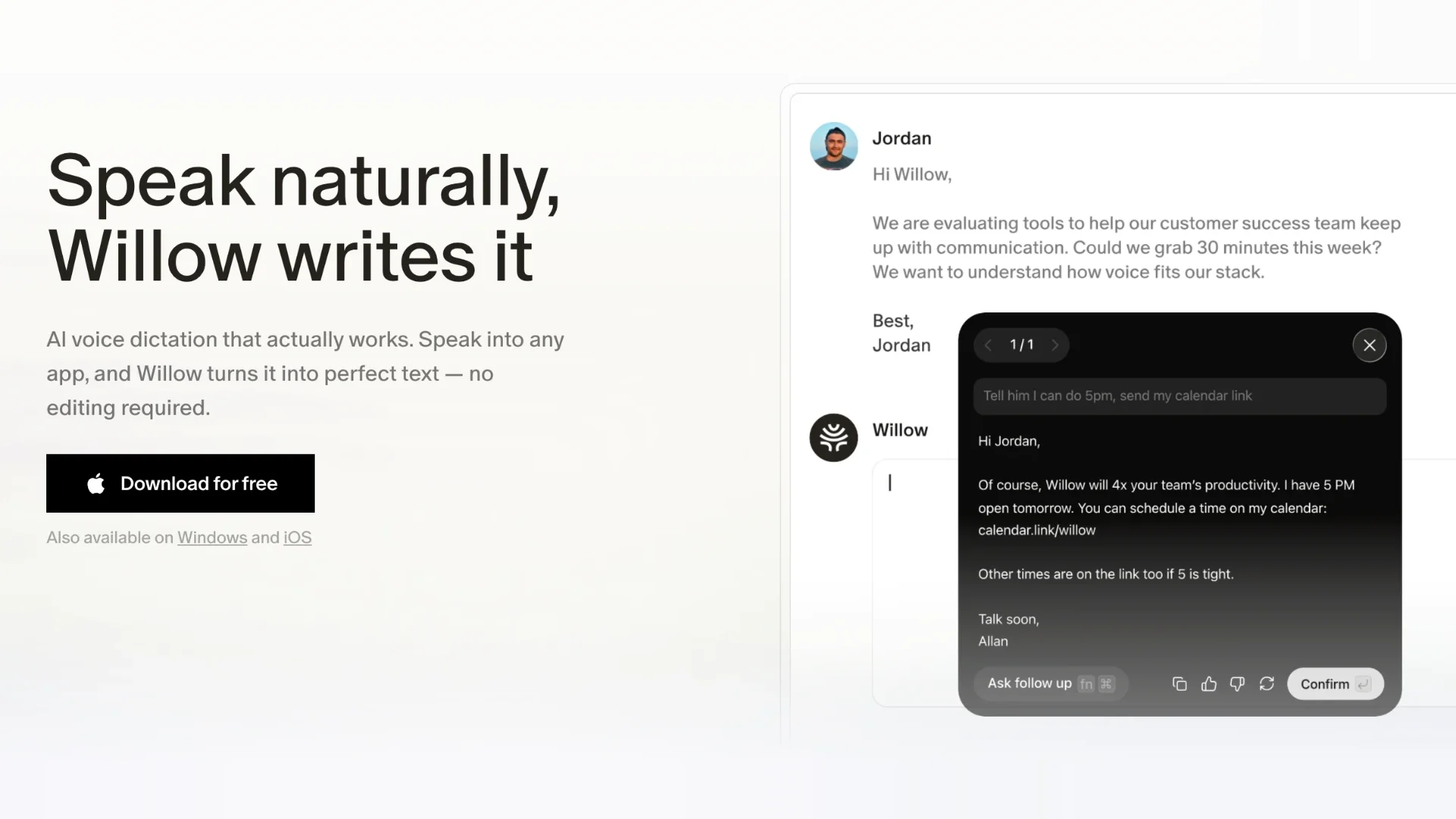
voice dictation that writes like you
Press a hotkey and talk, and formatted text lands wherever your cursor is, in Slack, Gmail, Cursor, Notion, or any other text field. Willow drops the filler words, fixes punctuation, matches the tone of the app you're in, and learns your names, product terms, and acronyms through a personal or shared dictionary, across 100+ languages on Mac, Windows, and iPhone.
social highlighting
Highlight anything on the web and share your highlights with a community of readers: reading as a social act, with other people's highlights as discovery.
the writing assistant everyone already uses
Grammar, spelling, tone, and clarity suggestions everywhere you type. Note the 2026 context: the parent company renamed to Superhuman in October 2025 after acquiring Superhuman Mail and Coda, and the product is still Grammarly.
docs, wikis, and projects in one place
The all-in-one workspace for docs, wikis, databases, calendars, and project management in one modular canvas. In 2026 it added Custom Agents, autonomous AI teammates that run repeatable workflows on schedules or triggers, and Notion AI is now included in all paid plans at no extra cost.
notes for deep thinkers
Local-first Markdown notes with a graph view of how ideas connect and a plugin ecosystem that borders on an operating system. Your notes are plain files you own.
read-it-later, done properly
Save articles, newsletters, PDFs, and threads into one reading queue, then pipe the highlights into Readwise for spaced review.




Photo & video editing power tools
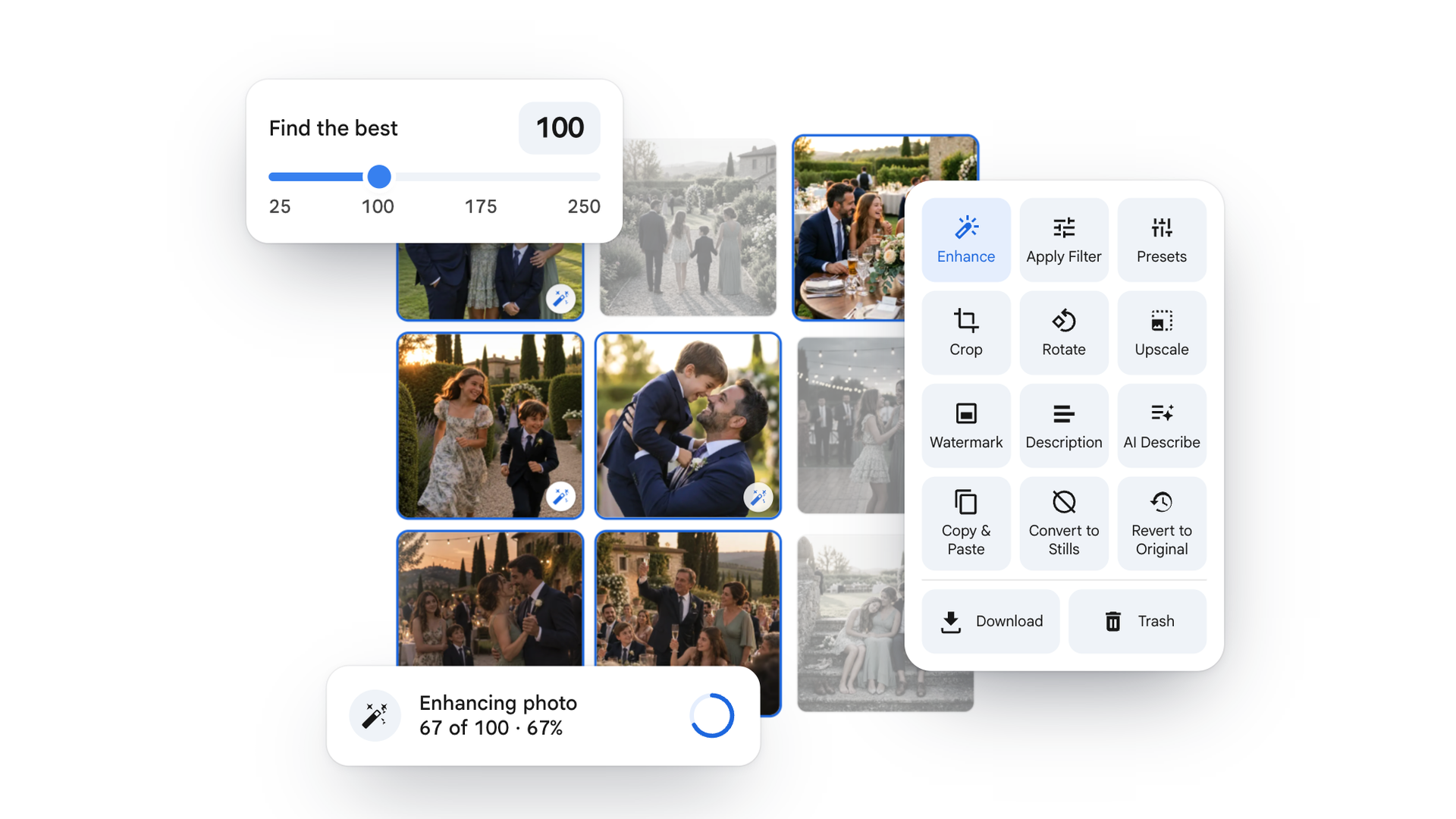
bulk editing inside Google Photos
Select hundreds of photos, a whole album or a date range, and enhance, filter, crop, rotate, caption, watermark, or convert motion photos to stills in a single run, using Google Photos' own editor. Best Shots scores each photo on-device for blur, closed eyes, and duplicates, so you can cull a trip down to the keepers first. It works inside Google Photos: no downloading the album and re-uploading it.
end-to-end AI workflow for photographers
Aftershoot has outgrown "culling app": its 2026 releases cover the full pipeline from AI select to RAW editing, retouching, and client galleries with delivery. For wedding and portrait photographers, it's the closest thing to an assembly line for a shoot.
design for everyone
The browser-based design platform for social graphics, presentations, docs, video, and print, used by 265 million people a month. In 2026 it relaunched as an AI platform with the Magic Studio suite (Dream Lab, Magic Write, Background Remover) on its own Canva Design Model, and the September ProSuite launch bundled in Affinity, Cavalry, Flourish, and Leonardo.
short-form video editing and captions
ByteDance's editor turns raw clips into captioned vertical video: auto-captions and subtitles, trims, scene arrangement, and templates, across mobile, desktop, and web. The pick when the deliverable is TikTok, Reels, or Shorts.
editing audio and video like a doc
The editor where the transcript is the timeline: delete a rambling sentence and the matching video is gone; drag a paragraph and the scene moves. Its 2026 agentic co-editor Underlord handles filler removal, bad-take flags, and B-roll suggestions in one step, alongside Studio Sound, Eye Contact, and Overdub voice cloning.
photo editing for photographers
The reference photo editor: non-destructive RAW editing, one-click presets, and edits that sync across desktop and mobile. Its real moat is the ecosystem: camera-to-phone-to-print workflows that hobbyist editors can't touch.





Storage cleaners
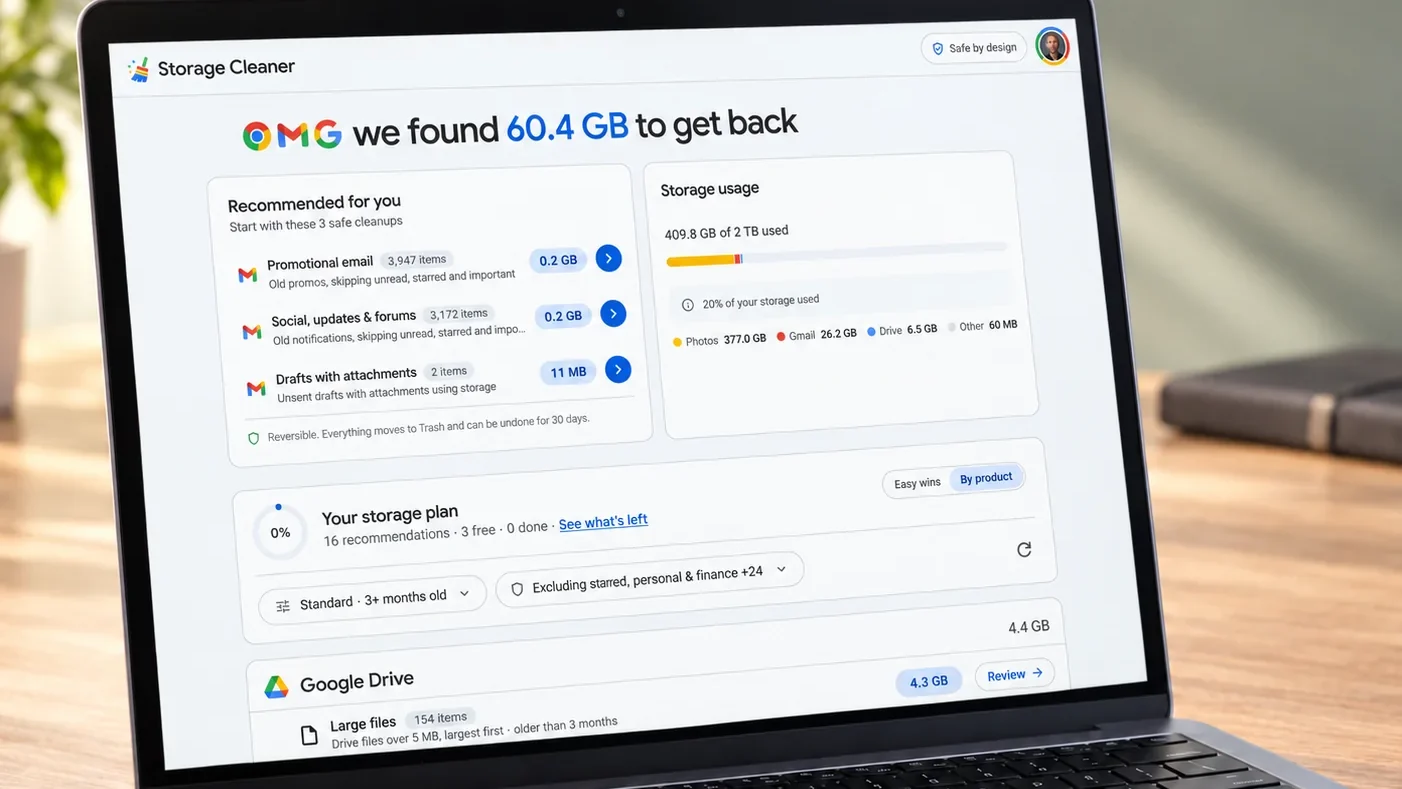
a free scan for a full Google account
Starts with a free scan that ranks your biggest storage wins across Gmail, Drive, and Photos. It flags large attachments, duplicates, device backups, blurry photos, and motion photos, then lets you delete, compress, or move the keepers to another account you own instead of losing them. Everything runs locally in your browser. It's built for personal Google accounts, not work Workspace accounts.
Mac cleanup with a real interface
MacPaw's cleaner finds system junk, oversized mail attachments, and half-uninstalled apps, with an uninstaller that actually removes leftovers. It's the rare utility that feels designed rather than engineered.
the familiar Windows cleaner
The long-standing Windows cleanup tool for temp files, browser data, and registry cruft, and the name most PC owners already know. It still does the core job in minutes.
cleanup for Outlook.com and OneDrive
The same idea for the Microsoft side of your life: a free scan ranks what's eating storage across Outlook.com, Hotmail, and OneDrive. It flags old mail with attachments, duplicates, old file versions, and the recycle bin, then bulk-deletes the junk or moves the keepers to another personal account. You review everything before anything is removed. It supports personal Microsoft accounts; work and school accounts aren't supported.




Tabs & bookmarks
Four tools for a calmer, more organized browser.
a new-tab page for photo people
Every new tab becomes a full-screen photo from your own Google Photos, favorites or any album, a new one each time. Your calendar, tasks, notes, weather, and a focus timer are arranged around it. Every panel is optional.
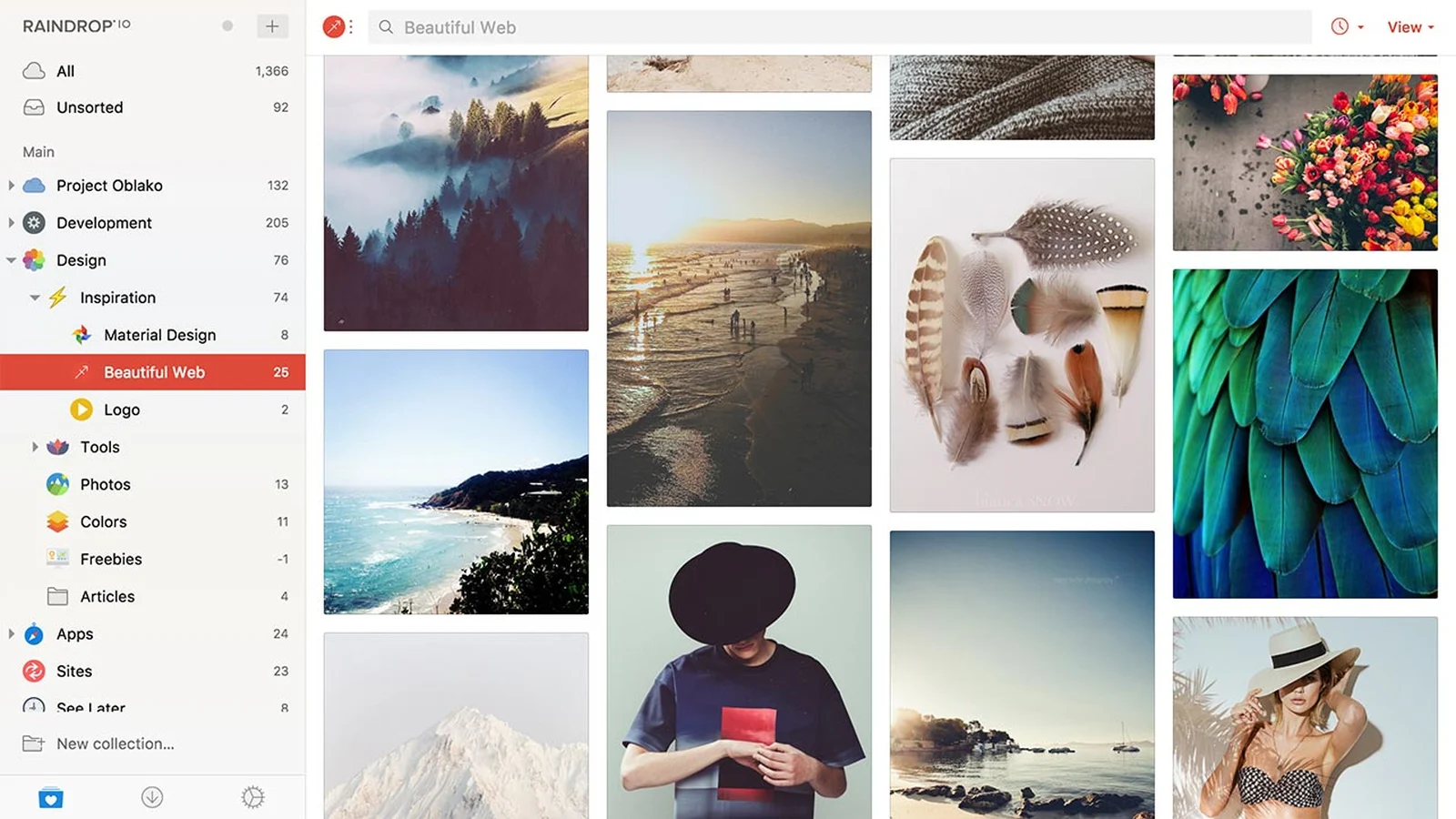
bookmarks that stay beautiful
A bookmark manager with collections, full-text search, and a design that makes saving things feel worthwhile, the rare read-later tool people actually revisit.
music engineered for focus
Functional music designed for focus, relaxation, and sleep: not a playlist, a stimulus, with modes tuned to the kind of work you're doing.
block distractions cold
Blocks distracting apps and websites across all your devices on a schedule you set, the nuclear option for focus, as opposed to tools that merely add friction.




Screenshots, recordings & demos
Five tools for showing instead of telling.
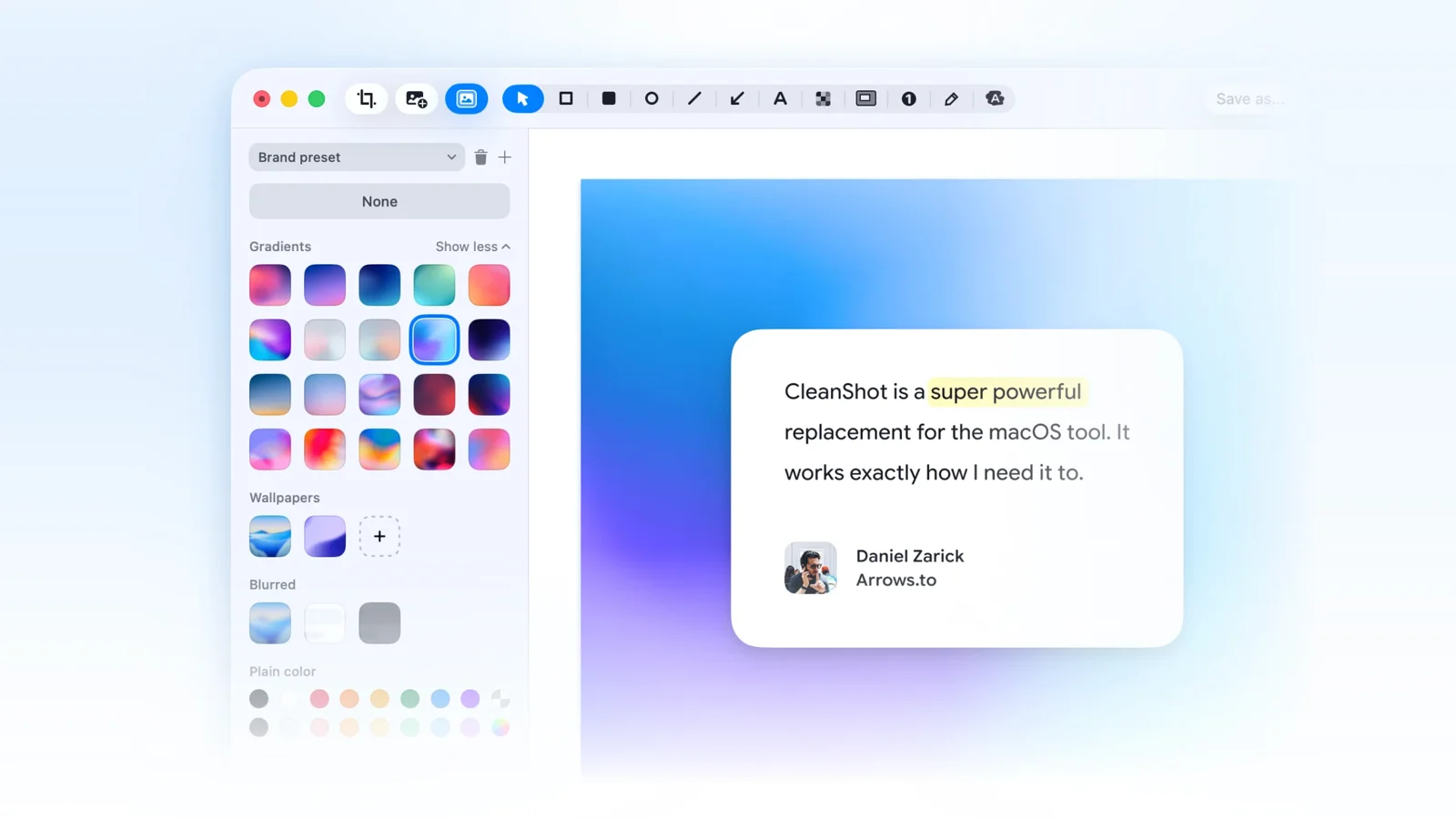
screenshots and recordings for Mac
The Mac screenshot standard, with screen recording in the same app: capture, annotate, and share screenshots, then record your screen and polish it with auto-zooms, cursor smoothing, and backgrounds. One tool covers both jobs.
organize visual inspiration
Collect, tag, and search images, screenshots, and design references in a local library built for visual thinkers: mood boards without the browser-tab graveyard.
async video messaging
Record your screen and face, share a link, skip the meeting. The default async-video vocabulary of remote teams (owned by Atlassian since 2023).
turn any process into a written guide
Scribe watches you complete a task and generates a step-by-step written how-to with screenshots: a document you can hand someone, not a video they have to scrub through. Different deliverable from every recorder in this category.
a Loom alternative for teams
Supercut (supercut.ai) is a native macOS and Windows team recorder with free viewers and AI summaries: the same record-and-share loop as Loom, positioned for teams that want an alternative.





Meetings & calls
Two tools for the meeting-heavy.
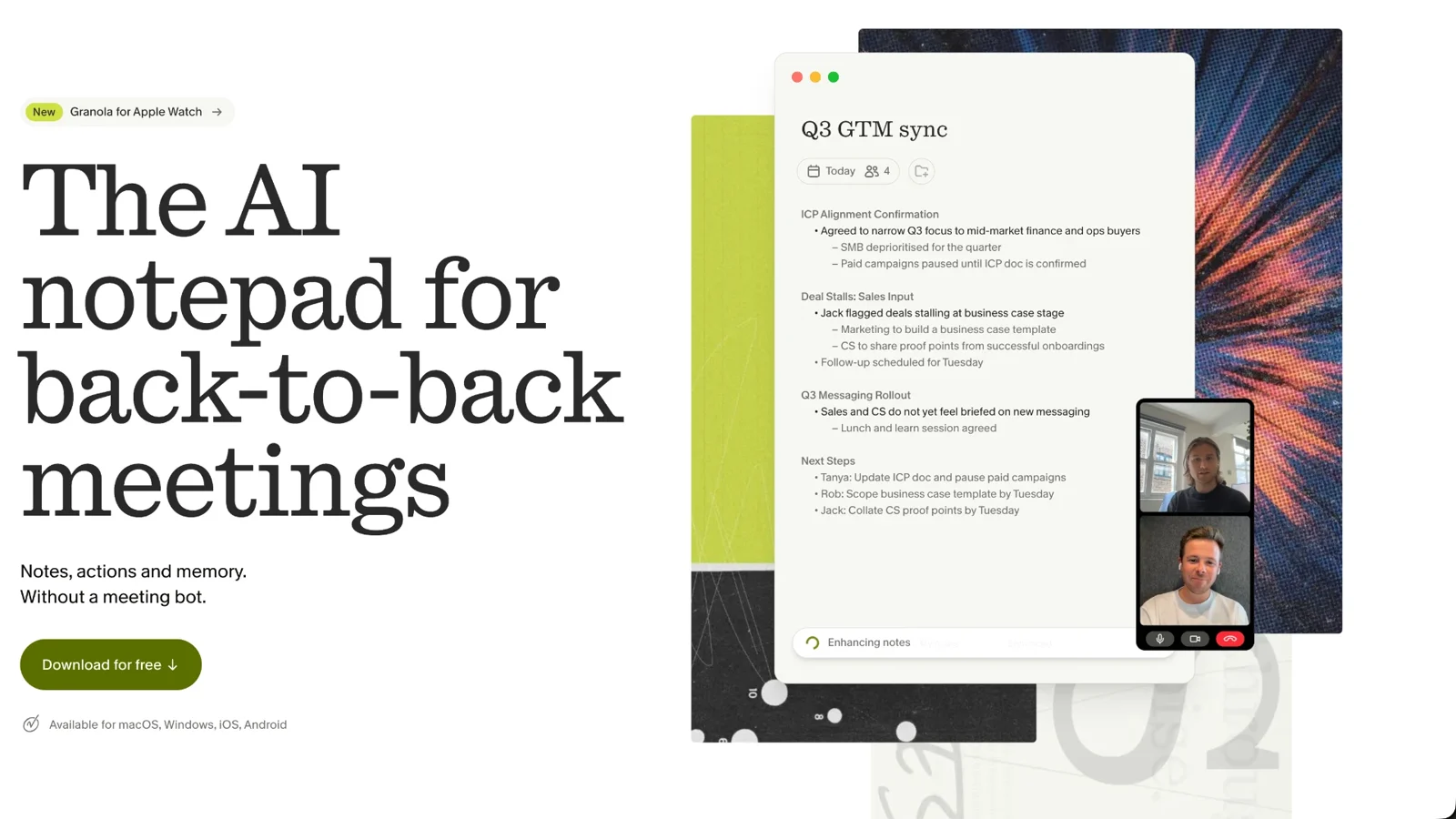
notes for people who hate bots
You type your own rough notes during a meeting, and Granola combines them with the meeting's audio context to produce clean, structured notes and action items. It captures from your device, so no bot joins the call.
meeting notes on the free tier
The AI notetaker with the famously generous free tier: records calls, transcribes, summarizes, and pulls out action items, with summaries generated live during the call and a bot-free recording option. Over 400,000 monthly users and the most-installed app on the HubSpot marketplace.


Tasks, scheduling & focus
Four tools for protecting your time and attention.
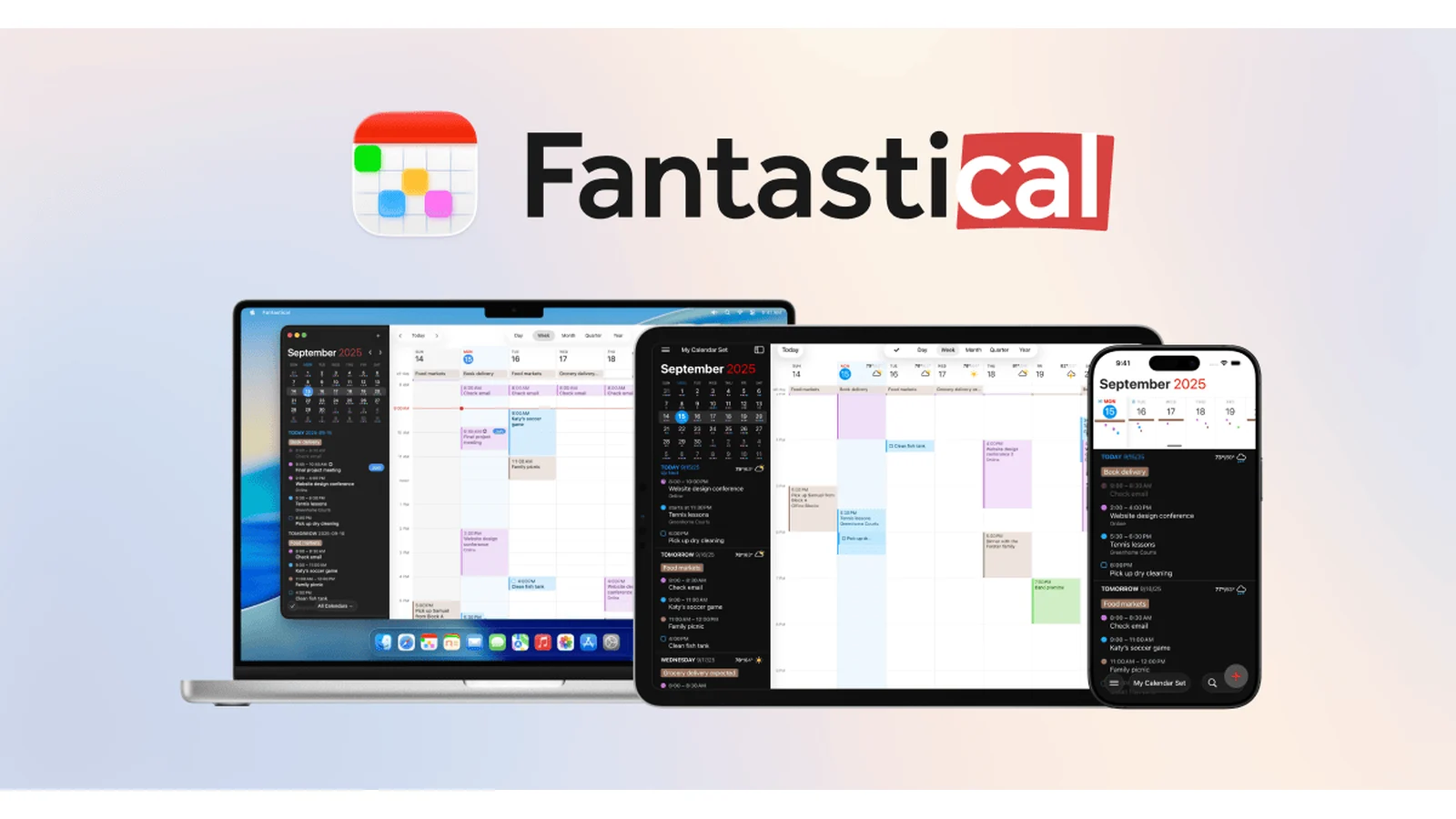
a calendar that understands language
Flexibits' premium calendar and the original natural-language parser: type "Lunch with Sarah at 123 Main Street on Tuesday" and it becomes an event. Calendar sets, scheduling proposals, weather integration, and full Apple widgets, with one subscription covering Mac, iPhone, iPad, Watch, Windows, and web.
scheduling without the email ping-pong
Share a booking link, let people pick a slot, skip the five-email dance. Calendar sync, buffers, and time-zone handling made it the default.
your calendar, defended by AI
Auto-schedules your habits, focus time, and breaks around your meetings, the calendar that plans itself. Reclaim is owned by Dropbox.
the to-do list that sticks
Fast natural-language task entry, projects, labels, and filters: the to-do app with the least friction between "I should" and "it's captured." A decade in, still the default recommendation.




Passwords & privacy
Four tools for keeping what's yours, yours.
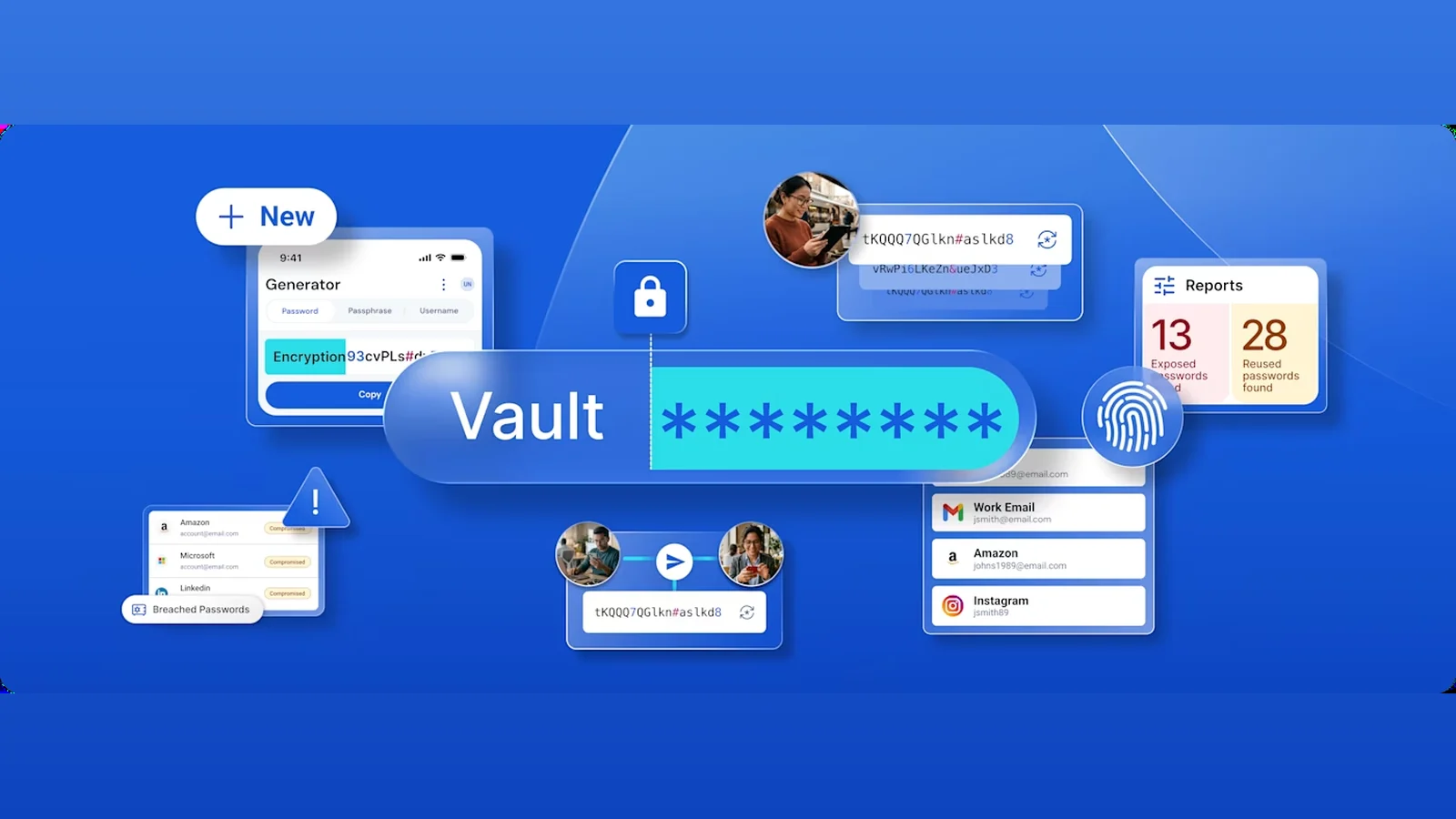
the open-source password manager
A genuinely usable free tier, open-source code you can audit, and a self-hosting option for people who want control over their password manager.
password management for families and teams
The established option: shared vaults, secure document storage, and travel mode, with the polish that made password managers mainstream.
all-in-one identity protection
Masked emails and phone numbers are just the start: Cloaked now removes your data from 130+ broker sites, monitors the dark web, and backs it with $1M in identity-theft insurance.
tracker and ad blocking
Blocks trackers and ads while showing you exactly who's trying to watch, the transparency layer for the privacy-curious.




AI & automation
Three tools for putting AI to work.
workflow automation
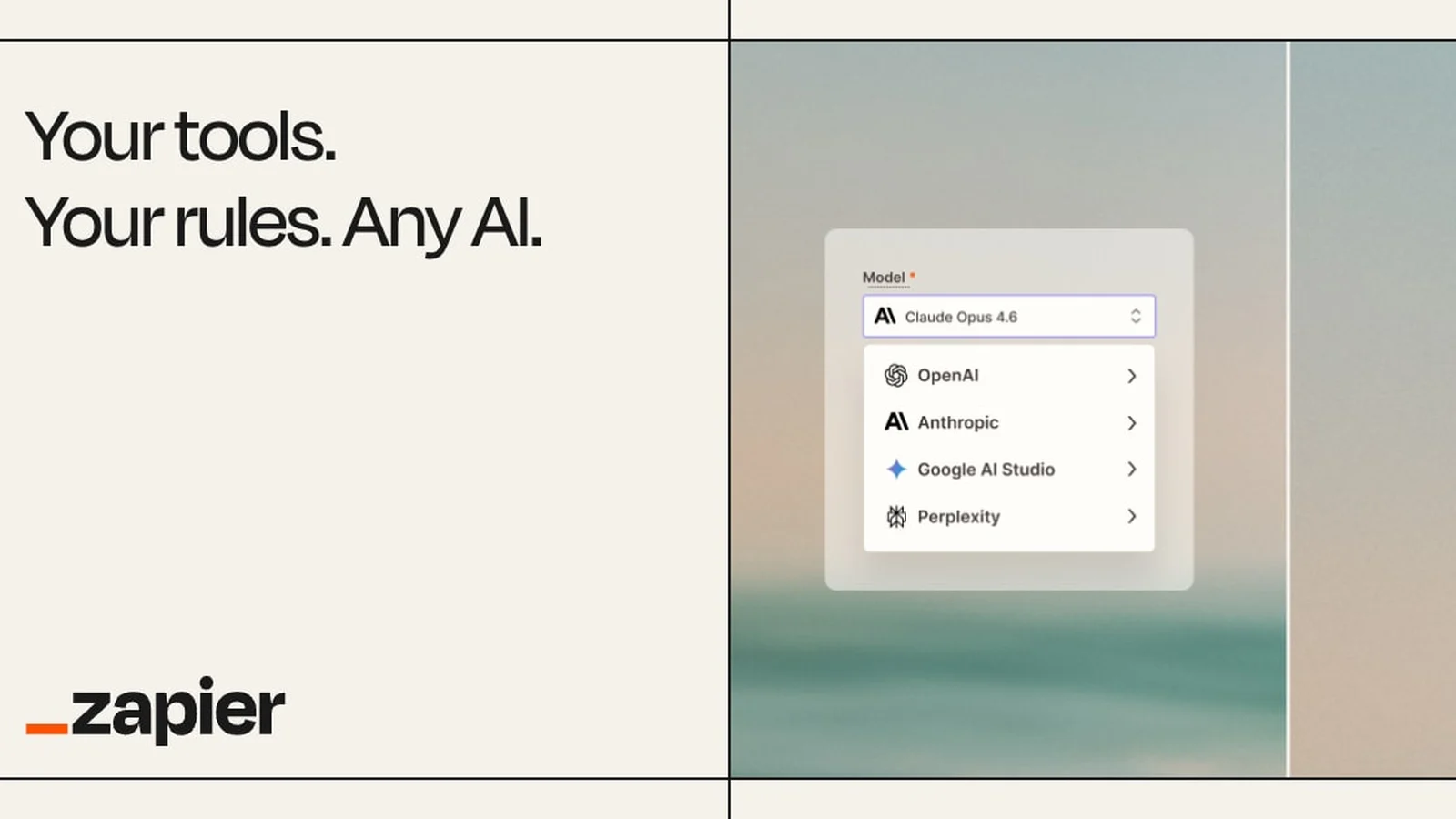
Connects roughly 9,000 apps (plus 400+ AI tools) so work moves between them automatically. Still the broadest automation footprint by far. In 2026 it pushed into agents alongside structured workflows, with Zapier Agents built from plain-English prompts, AI Guardrails, and an agentic Canvas mode.
Perplexity's AI browser
Perplexity's Chromium-based browser with its AI assistant built in: ask it to research, compare, summarize, and act across tabs instead of doing it manually. Free for everyone since October 2025, with Chrome Web Store extension support and apps on Windows, Mac, Android, and iOS.
a multi-model AI sidebar
ChatGPT, Claude, Gemini, and friends in a browser sidebar: ask about the page you're on, compare answers across models, no tab-switching.



Build & ship
Three tools for shipping software faster.
designing and publishing websites
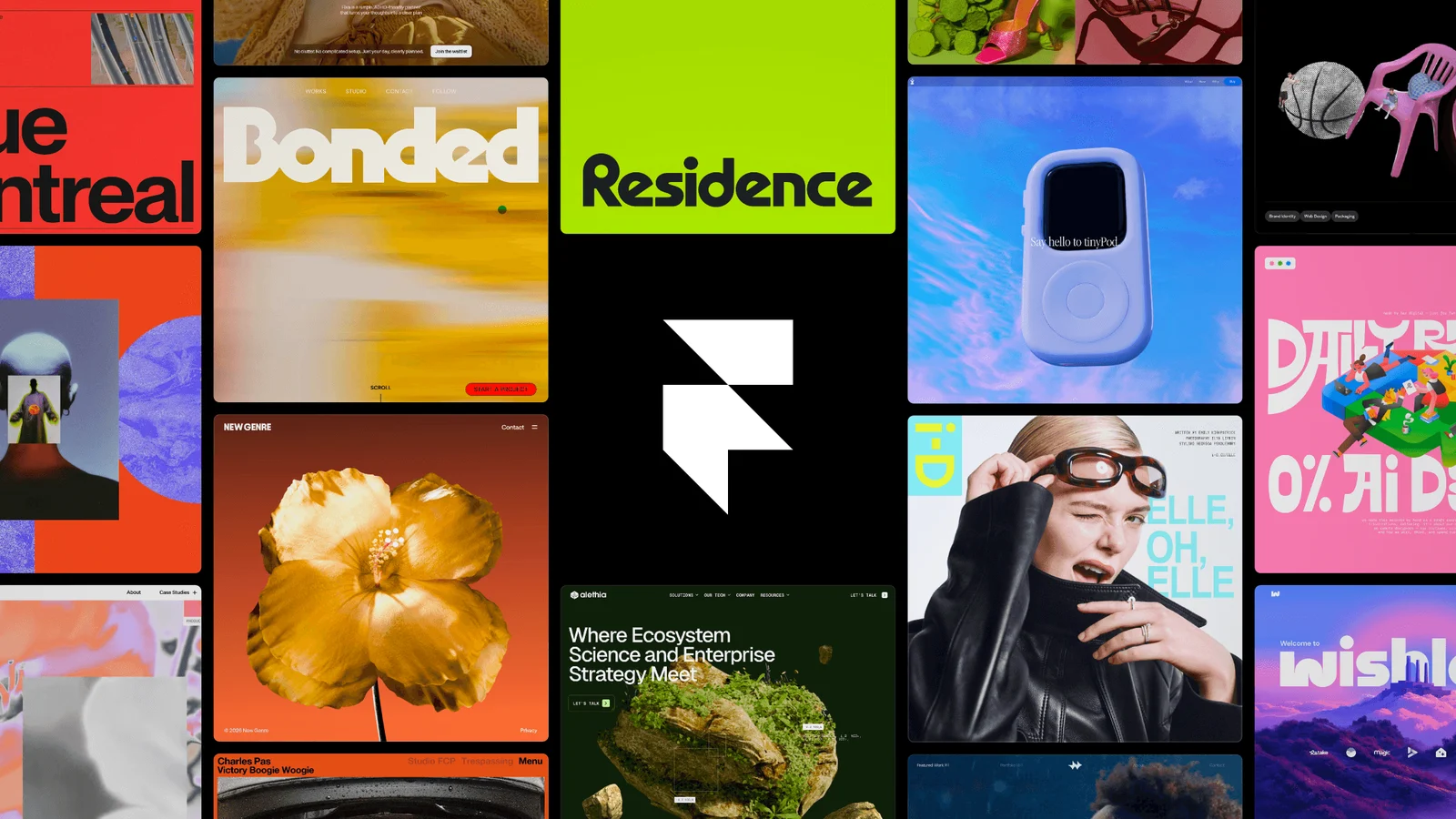
The visual website builder where designers publish real, production-ready marketing sites without developer handoffs: a Figma-like canvas with scroll and hover animations, CMS, localization with AI translation, and integrated analytics built in. AI generates first-draft pages from a short brief, and 2026 brought Framer Agents and branching.
issue tracking for software teams
The Jira alternative that won on speed: 100+ keyboard shortcuts, a Cmd+K command palette, and sync so fast the app feels instant on large projects. In 2026 it added a native AI-agent layer with an official MCP server, and it's the tracker behind teams like OpenAI, Cursor, Ramp, and Coinbase.
turning prompts into working apps
Describe an app in plain language and get a working product with hosting and deployment handled. The prompt-to-app builder that crossed $600M in annualized revenue by September 2026. It generates real Vite/React plus Supabase code you can export to Vercel or self-host, so you're not locked into a black box.


Desktop utilities
Three Mac utilities worth installing.
taming the Mac menu bar
The definitive macOS menu-bar organizer for over a decade: choose which status icons stay visible and park the rest behind a trigger, hotkey, or the searchable Command Bar, with per-display presets and a Focus Mode that blanks the bar for recordings.
the keyboard launcher
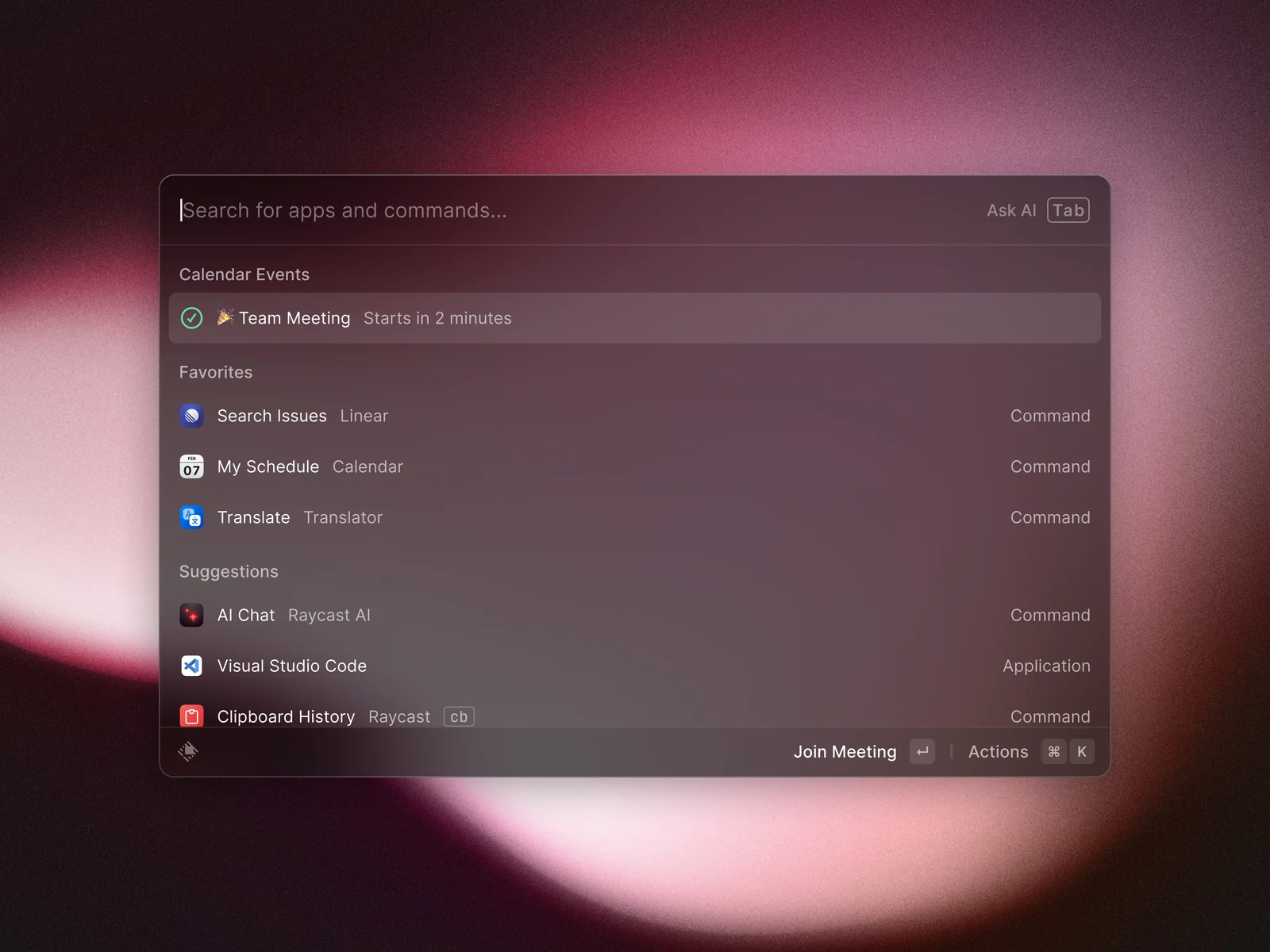
App launching, clipboard history, window management, and 1,000+ extensions from a single shortcut, with AI built in, on Mac and Windows (the 2.0 release left beta in August 2026).
emoji, one shortcut away
Matthew Palmer's emoji picker for the Mac: one shortcut, every emoji, no digging through menus. Type a colon and a word, like :smile, in almost any app and Rocket suggests the matching emoji.