Best Tools to Clean Your Computer, Gmail, and Outlook
The average computer and inbox are storage units you never visit: ten thousand unread newsletters, a decade of receipts, duplicate downloads, and attachments quietly eating the quota you share with Drive, Photos, or OneDrive. We evaluated dozens of cleanup tools and named one best pick per job, covering your computer, your Gmail, and your Outlook. The numbers are navigation aids, not a ranking across jobs. Every entry is an editor's pick. Product listings were checked in September 2026; this is an editorial selection, not a lab test.
1. Best for Gmail
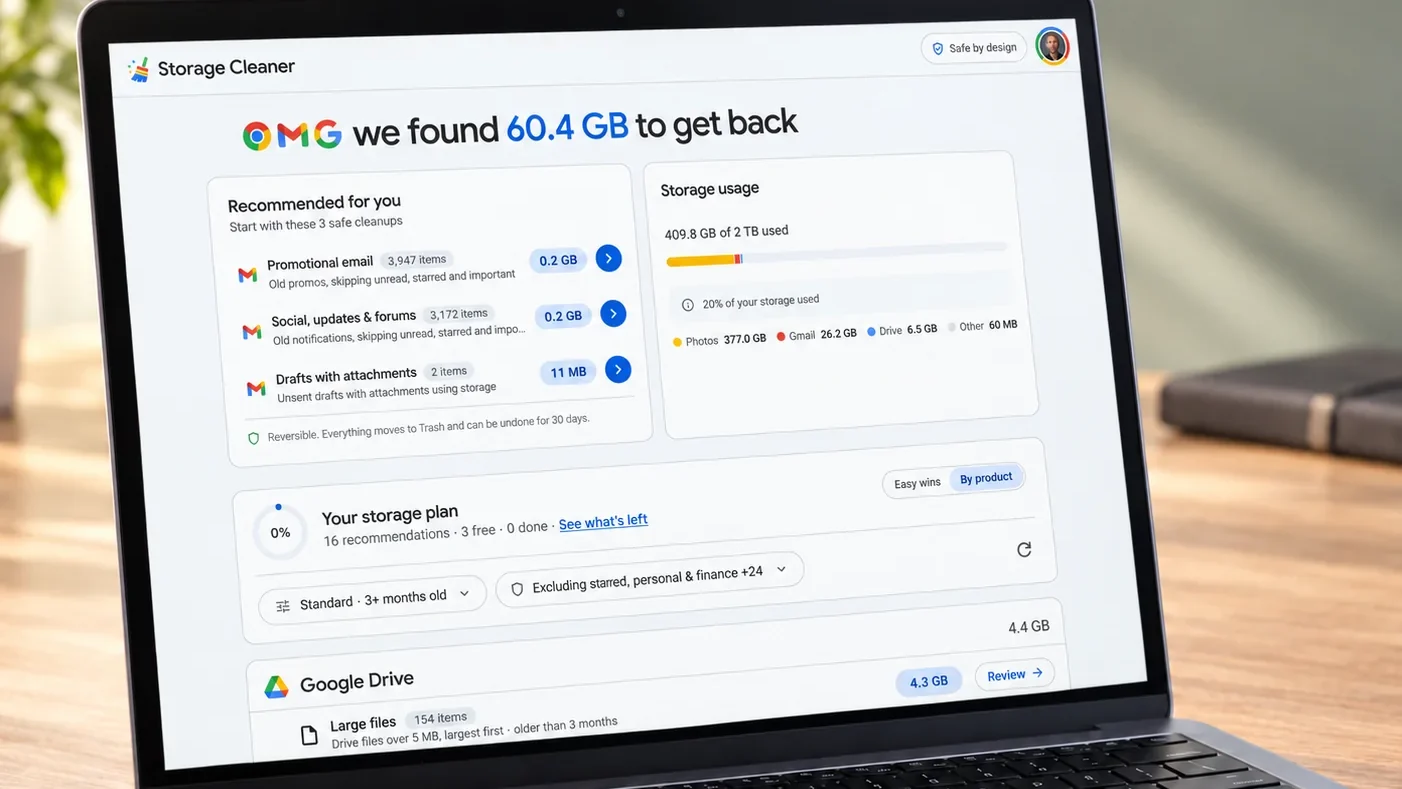
Storage Cleaner for Google (cleangooglestorage.com) starts with a free scan that ranks your biggest storage wins across Gmail, Drive, and Photos: large attachments, duplicates, device backups, blurry photos, and motion photos. Then delete, compress, or move the keepers to another account you own instead of losing them. You can connect up to three additional free Google accounts for up to 60 GB combined, so the keepers always have somewhere to live. Everything runs locally in your browser. We also evaluated MailMop, Trimbox, and InboxPurge for this slot; none cleans the rest of the Google account the way this does. It is for personal Google accounts; it will not touch a work Workspace.
2. Best for Apple Mail and iCloud
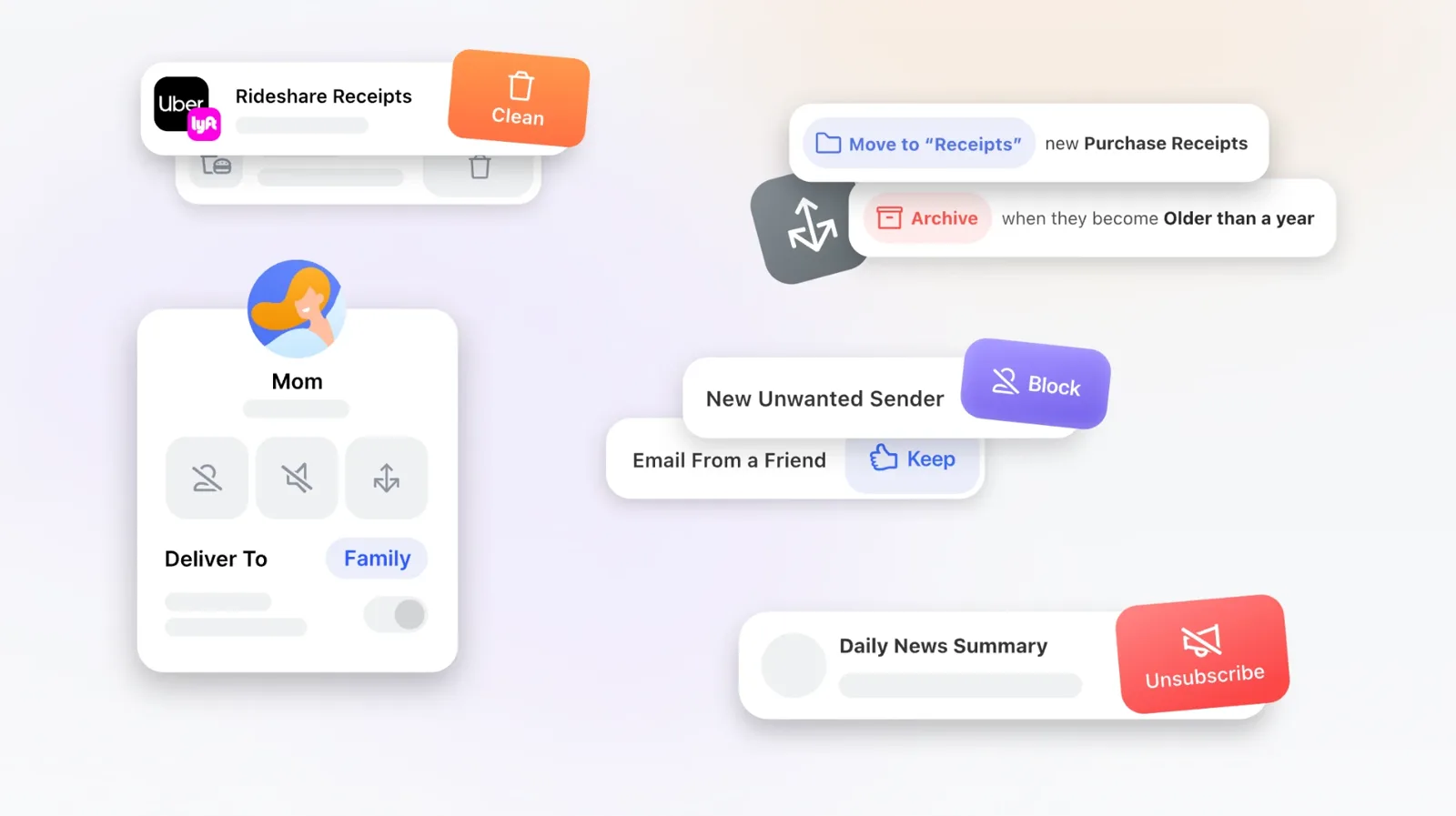
Clean Email (clean.email) organizes mail into Smart Folders and Cleaning Suggestions so you act on groups instead of one message at a time. Unsubscriber sends real unsubscribe requests and blocks senders that ignore them, and Auto Clean rules handle the recurring stuff without you. It never downloads full emails: only headers are analyzed, and data is kept 45 days. It is the pick for iCloud and Apple Mail users because it is one of the few serious cleaners with native Apple apps. The free start is limited; serious cleanup is a paid plan.
3. Best for unsubscribing
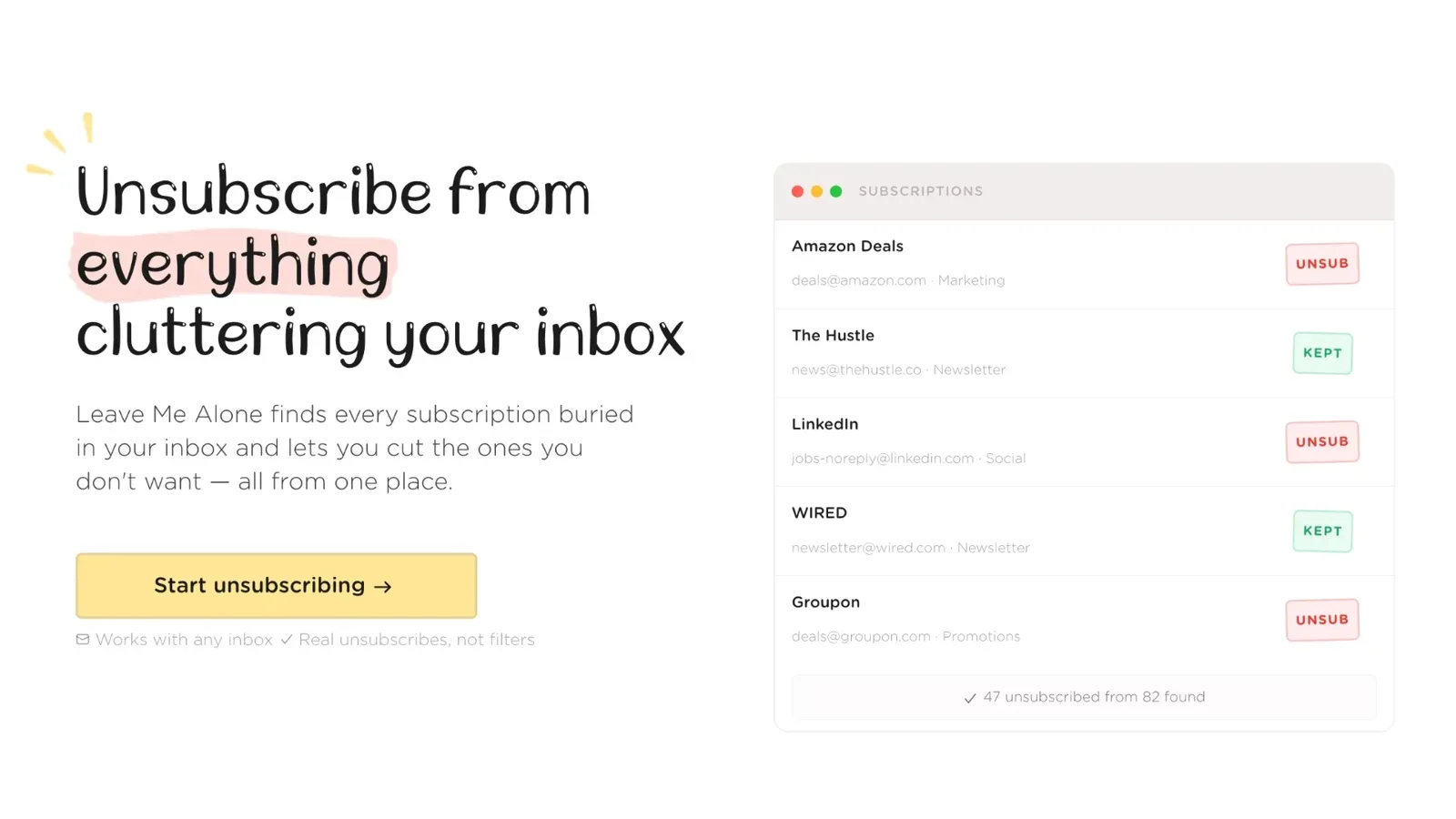
Leave Me Alone (leavemealone.com) lists every newsletter in one place and follows the real unsubscribe links instead of just filtering. Rollups bundle the newsletters you keep into one digest, Inbox Shield screens new senders, and Do Not Disturb silences everything on a schedule. Ten unsubscribes are free with no card; after that it is a $19 seven-day pass or a subscription. We also evaluated Unroll.Me and Cleanfox; both are free because they monetize user data, which is why they lost this slot. It is an unsubscribe specialist, not a tool for bulk deleting old mail.
4. Best for AI triage

SaneBox (sanebox.com) learns what matters and files the rest into SaneLater style folders, with BlackHole sender blocking, a Daily Digest, snooze, and follow up reminders. It works server side inside your existing client: Gmail, Microsoft 365, iCloud, Yahoo, or any IMAP or Exchange account. We also evaluated Shortwave, Superhuman, Fyxer AI, and Inbox Zero; SaneBox won for working inside the inbox you already have at a fraction of their price. There is no permanent free plan, and it filters rather than truly unsubscribing.
5. Best for huge backlogs
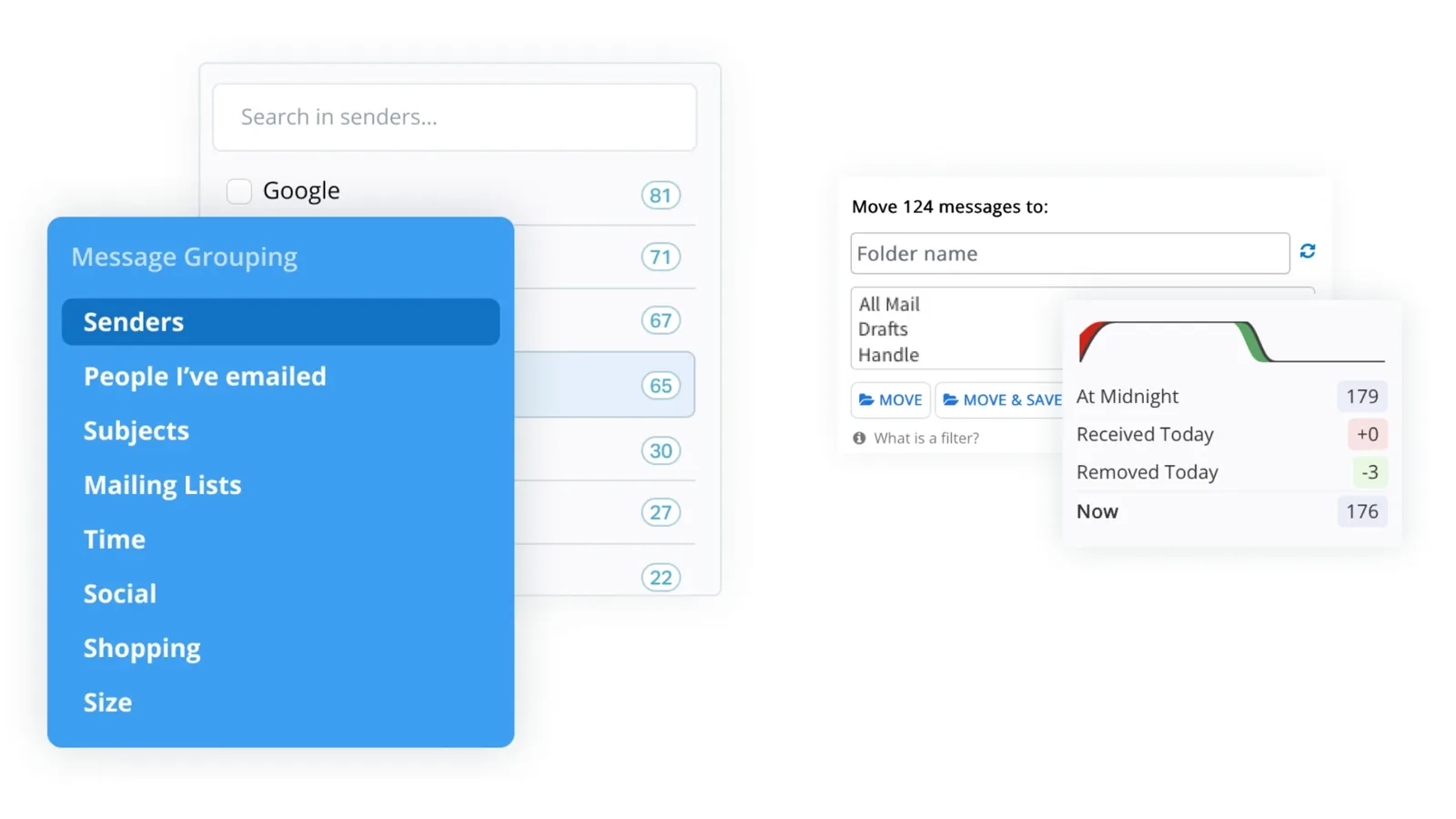
Mailstrom (mailstrom.co) groups mail by sender, subject, time, and size so you can bulk delete, archive, unsubscribe, and block thousands of messages at once, with Auto Clean rules for the recurring junk. If you are staring at 10,000 unread, this is the fastest way through them. It is paid only after the trial, and the entry plan caps how much mail it will chew through.
6. Best free privacy-first cleaner
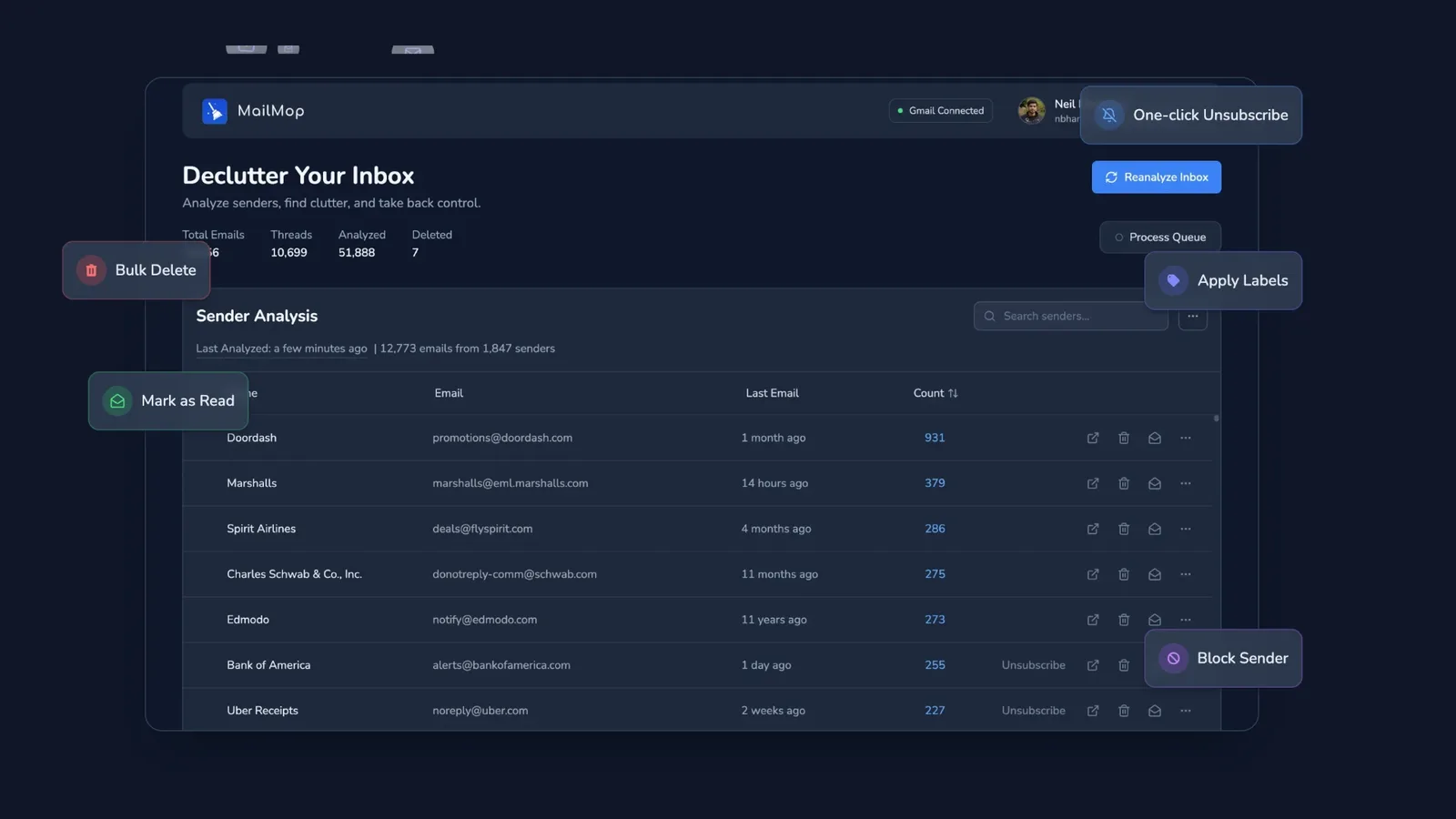
Mailmop (mailmop.com) ranks every sender by email volume, finds real unsubscribe links, and bulk deletes with smart exceptions (delete all Amazon mail but keep the receipts). Everything runs locally in your browser, the code is open source, and it passed Google's CASA security assessment. It is the closest direct alternative to our own Storage Cleaner for Google on the Gmail side; ours wins the slot for covering Drive and Photos too. It is Gmail only, with no mobile app.
7. Best replacement inbox app
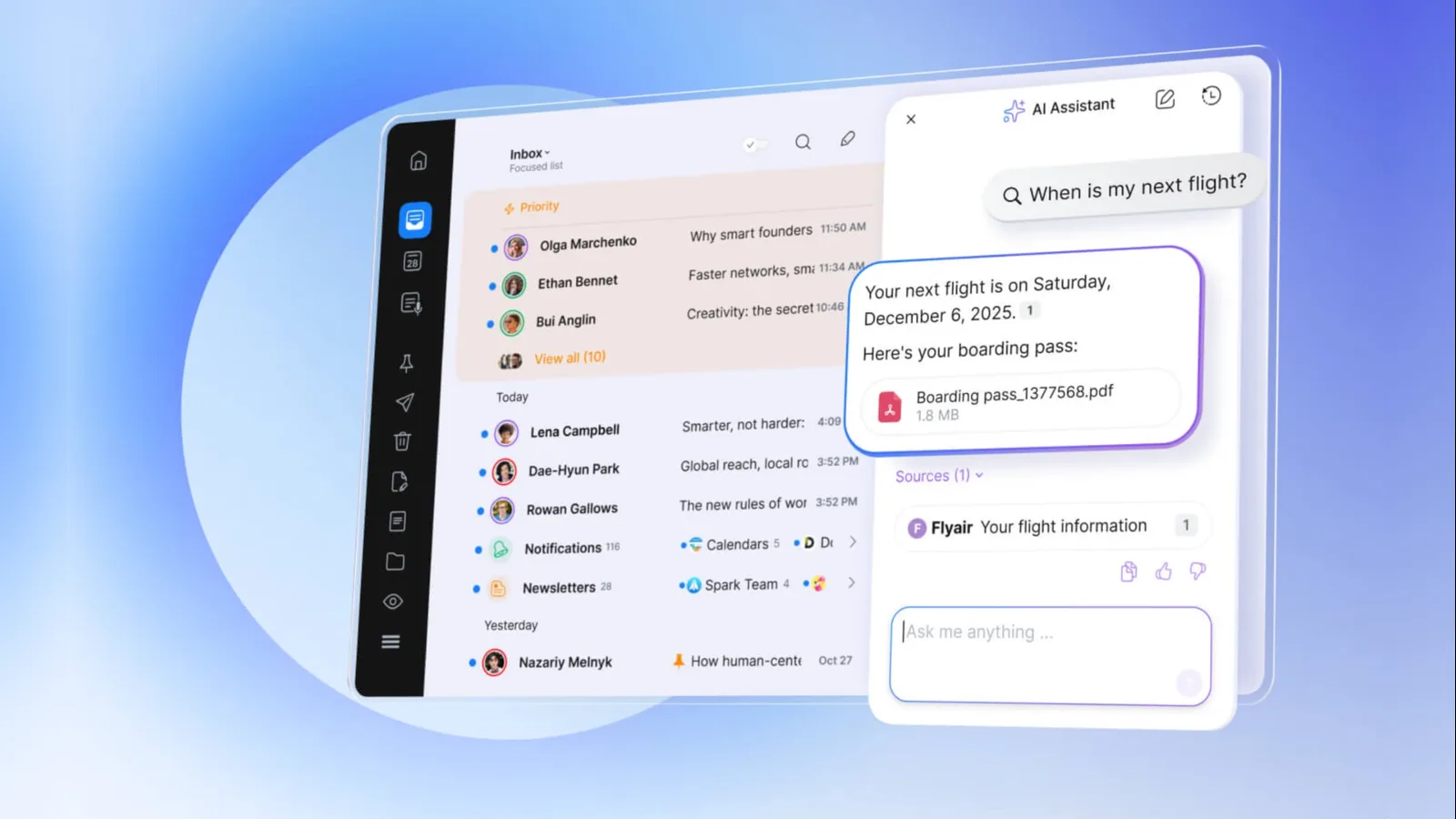
Spark Mail (sparkmailapp.com) is for when the fastest cleanup is a fresh client: an AI Smart Inbox that categorizes mail on arrival, Gatekeeper screening that approves or blocks first time senders, and one tap unsubscribe, across Gmail, Outlook, Yahoo, iCloud, and IMAP on Mac, Windows, iOS, and Android. We also evaluated HEY, whose Screener is stricter but requires switching addresses. The deeper AI features need a paid plan, and it organizes new mail rather than deleting your old backlog.
8. Best free option: no install, no account, no cost
Google One storage (one.google.com) shows how much of your Google quota Gmail, Drive, and Photos are using, with a Free up account storage flow that suggests items to delete or lets you clean up service by service. Before paying for anything, try what you already have. In Gmail, operators like older_than, larger, and has:attachment find bulk deletable mail, and filters auto archive, delete, label, or forward future mail. In Outlook on the web, Sweep deletes all incoming mail from a sender, keeps only the latest, or deletes mail older than ten days. It is manual and nerdy: Gmail filters only affect new mail, and Sweep cannot run from Junk, Drafts, Sent, or Deleted Items.
9. Best for your computer
CleanMyMac (cleanmymac.com) is MacPaw's cleaner. It finds system junk, oversized mail attachments, and half uninstalled apps, with an uninstaller that actually removes leftovers. It is the rare utility that feels designed rather than engineered. On Windows, CCleaner is the equivalent we evaluated. It is Mac only, and the subscription stings for something you run quarterly.
10. Best for Outlook, Hotmail, and OneDrive
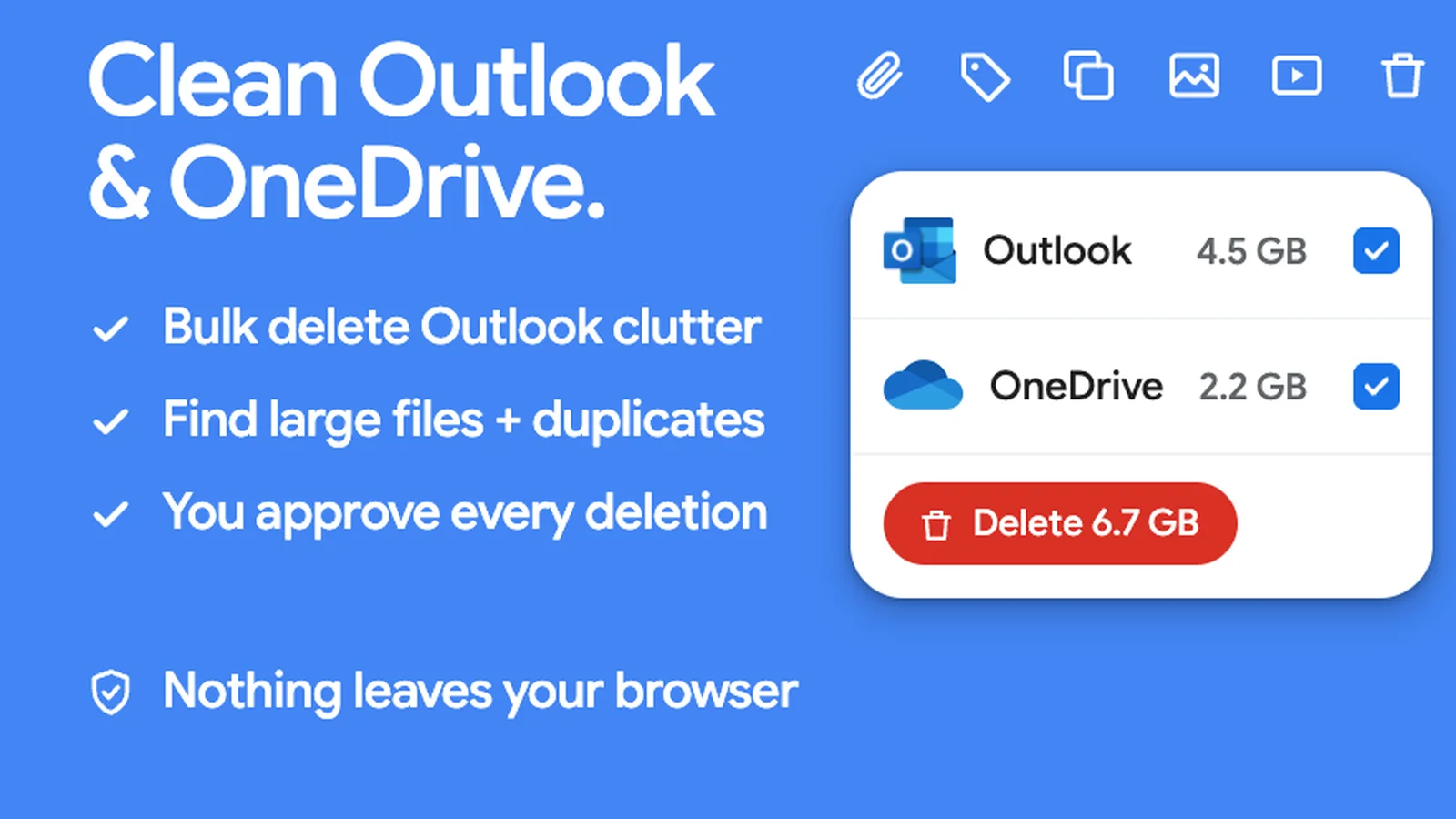
Storage Cleaner for Microsoft (cleanmicrosoftstorage.com) is the same idea for the Microsoft side of your life: a free scan ranks what is eating storage across Outlook.com, Hotmail, and OneDrive, meaning old mail with attachments, duplicates, old file versions, and the recycle bin. Then bulk delete the junk or move the keepers to another personal account. You review everything before anything is removed. It is for personal Microsoft accounts only; work and school accounts are not supported.